Blog
Personalized Animation Film or DIY Video Montage: Which Wins?
Slideshow, DIY montage, or personalized animation film? A straight comparison to help you choose based on your footage, your time, and your budget.
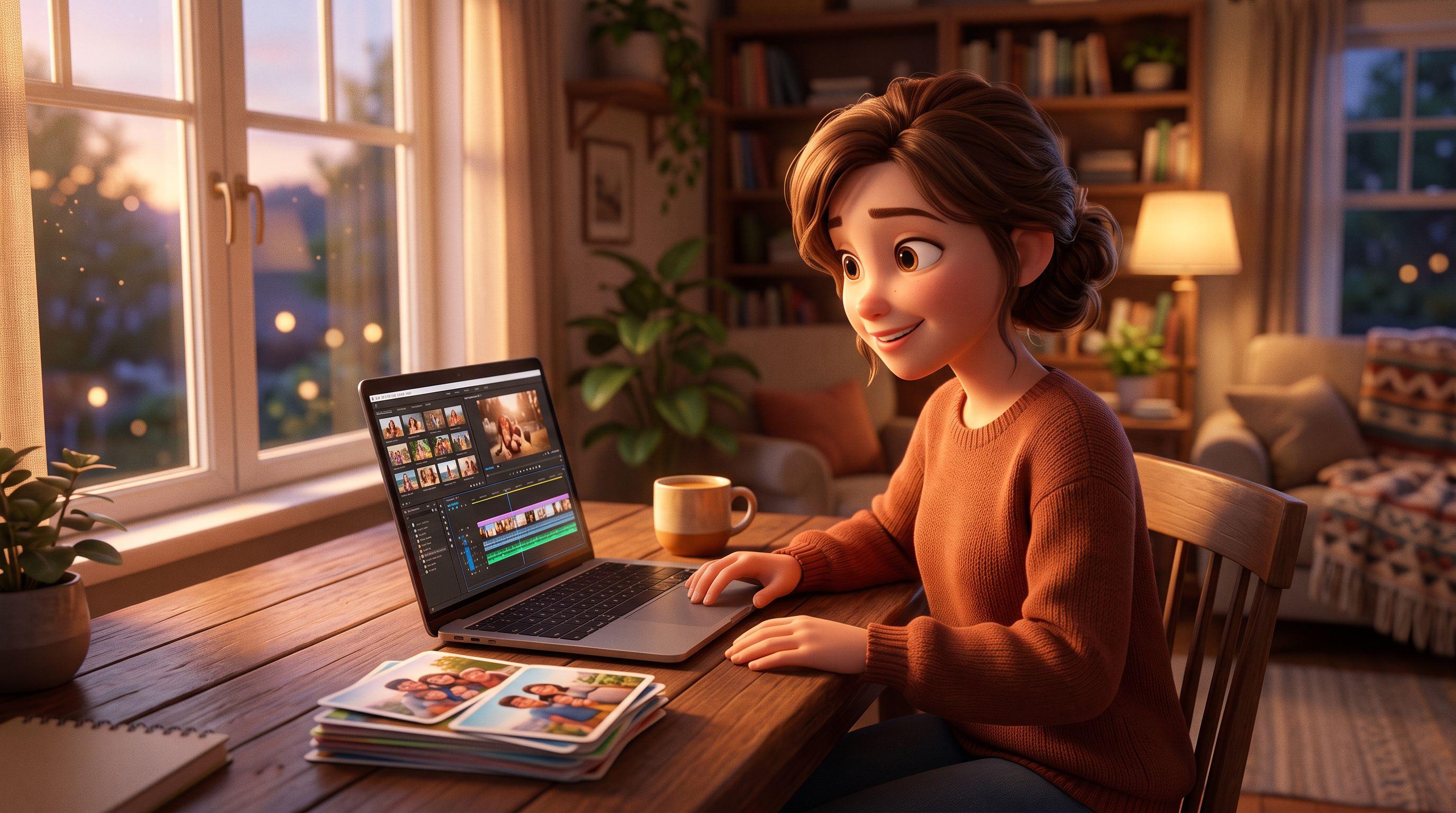
A DIY video montage works well when you already have good footage and a few hours to spare. A personalized animation film takes over when that footage doesn't exist, is too damaged to use, or when you want to tell a scene that was never filmed. These aren't two versions of the same product — they start from different raw material and tell different kinds of stories.
This guide compares the three options we see customers weighing again and again: a homemade slideshow, an automatic editing app, and a personalized animation film. None of them wins by default. The right pick depends on what footage you actually have, how much time you can spend, and what you want the recipient to feel while watching.
Two Different Things, Not Two Quality Tiers
A montage, whether cut by hand in iMovie or generated by an app, assembles photos and clips that already exist. The software picks transitions, times the music to the cuts, and strings everything together. The result is only ever as good as the footage you feed it.
A personalized animation film starts from a different premise: we draw and animate a character who looks like the recipient, in a scene that was never actually filmed. The photo is only a starting reference. That's why an animated film can stage a costumed marriage proposal in a scene that never happened, or have someone blow out candles even if no recent photo of them exists — a montage, by contrast, can only show what a camera actually caught.
When a DIY Montage Is Genuinely the Better Choice
If you already have good footage and at least three hours free, skip the animated film and edit it yourself. A birthday filmed on someone's phone, guests giving a toast, kids laughing in close-up — no animation replaces footage like that, because it shows the real moment, with real voices and real faces.
In that case, a well-cut montage lands harder than even a polished animation. Save the animated film for when real footage is missing, or to tell a moment the camera never caught.
What Automatic Editing Apps Consistently Miss
Apps like CapCut, Filmora, or Canva's auto-templates do a fine job for something quick to post on social media. They struggle on three points the moment it's meant to be a gift: music, pacing, and story.
The free music they offer is often the same track running under thousands of other videos published that same week — recognizing it kills the emotion. Pacing follows a generic template, not your footage: a moment that deserves five extra seconds gets cut exactly like every other clip. And fundamentally, the app just arranges images in the order you feed it. It doesn't tell a story.
What a "Free" Montage Actually Costs
A DIY montage is never really free. Premium apps run around $10 to $13 a month to unlock proper transitions and remove the watermark, and then there's the time: plan on two to four hours for a well-cut three-minute montage, between sorting photos, timing the music, and redoing failed exports.
A personalized animation film costs €49 for the base version, delivered in three business days without you touching an editing app at all. The comparison isn't only about money — it's also about what your Sunday evening is worth.
The Most Common Mistake: Trying to Rescue Bad Photos
The mistake we see most often: assuming a good edit can fix bad photos. A picture shot backlit against a window, blurry because someone moved, or a screenshot of a heavily compressed story — no editing software makes those sharp or well-lit. It just displays them bigger, with music over the top.
An animated film sidesteps that problem entirely: the character is drawn from a single clear reference photo, not assembled from dozens of uneven shots. That's the difference between patching damaged material and building something new from scratch.
A Checklist Before You Decide
Answer these questions, in order, before committing to either route:
- Do you have at least five sharp, well-lit photos or clips of the moment you want to tell?
- Do you want to show what actually happened, or tell a scene that hasn't happened yet?
- Do you have two to four hours free this week to edit it yourself?
- Is the person you're featuring a very young child, someone who has passed away, or only pictured in old, low-quality photos?
- Does the gift need to arrive on a fixed, tight deadline?
If you answer yes to the first two, a DIY montage is the right call. If you answer no to the first one, or want to tell an imagined scene, the animated film takes over.
Frequently Asked Questions
Can a personalized animation film be made from video instead of photos?
No — we work from photos only, since that's what lets us draw a consistent character across the whole scene. Video changes angle and lighting frame by frame, which an animated character can't follow.
Can I combine a video montage and an animated film in the same gift?
Yes, and it's a common pairing: a classic montage to show real memories, followed by the animated film for the scene the camera never caught.
Is an automatic editing app enough for a simple birthday gift?
Yes, if the audience is young or not too particular and your footage is already decent. Keep it short — under a minute — to limit the risk of generic music and transitions.
How long does an animated film take compared to a DIY montage?
A personalized animation film ships in three business days, against two to four hours of your own time for a same-day DIY montage. One costs time, the other costs money.
Where to Start
If your photos and clips are good and recent, open your usual editing app tonight — you don't need anything else. If footage is missing, old, blurry, or you want to tell a moment that never actually happened, start by picking an animation style instead.
We offer four styles, from a look close to a major animation studio to stop-motion clay, so the character genuinely looks like the person you're trying to surprise.